Dynamic Mosaic -
Help Dynamic Mosaic -
Help |
Dynamic Mosaic -
Help
Colours
Each
input
picture from a tethered camera, web cam or photo booth can be pre-processed
for colour. This is particularly useful when the constant colour of each input
picture will gradually change the overall impression of a coloured mosaic. When
new pictures are replacing existing pictures in the mosaic the colour may not be
exactly the best colour. But since each new picture is forced to take part of
the mosaic the colour integrity will be 'sacrificed'. The following settings
apply: The settings for each filter
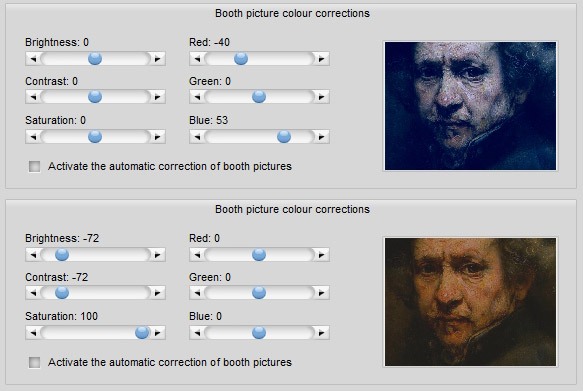
is limited to modest corrections only. The effect can be tested on the picture
(here: Rembrandt, hard to beat in colours...). By double-clicking on the picture
you can select a different picture for testing. The best option is to use a real
snapshot image from the used source to make sure the filtering creates
acceptable filtered results. The filtered values are kept when the application
is closed, and are also stored in the project file. two simple
examples: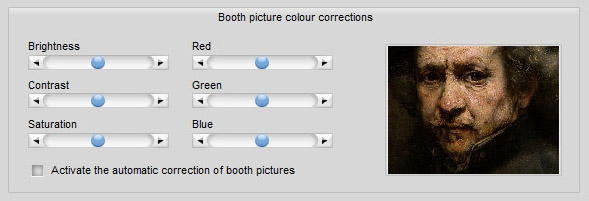
Brightness, Contrast and
Saturation: when not zero this filter will be applied.
Red, Green and Blue colour
channels: when not zero this filter will be applied.